If you prefer video, the companion version covers some details that didn't fit here.
An introduction
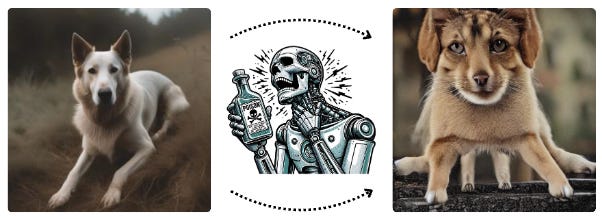
A University of Chicago team released a tool that poisons images to disrupt training on them. A model trained on those images may fail to learn the intended style or generate strange outputs. This post introduces Nightshade, which was free to download and try when I wrote it. If you know an artist, you might want to share it.
Learning an artistic style
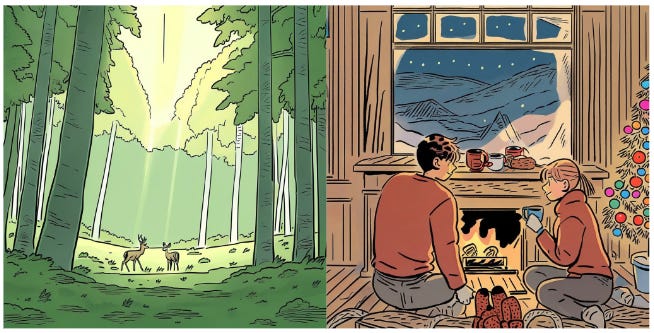
I love GrimB's work: fine lines, expressive shading, and warm pastel colors. One of these two pictures, I tell you, was made by AI. Can you spot it?
Here are more pictures as a hint.
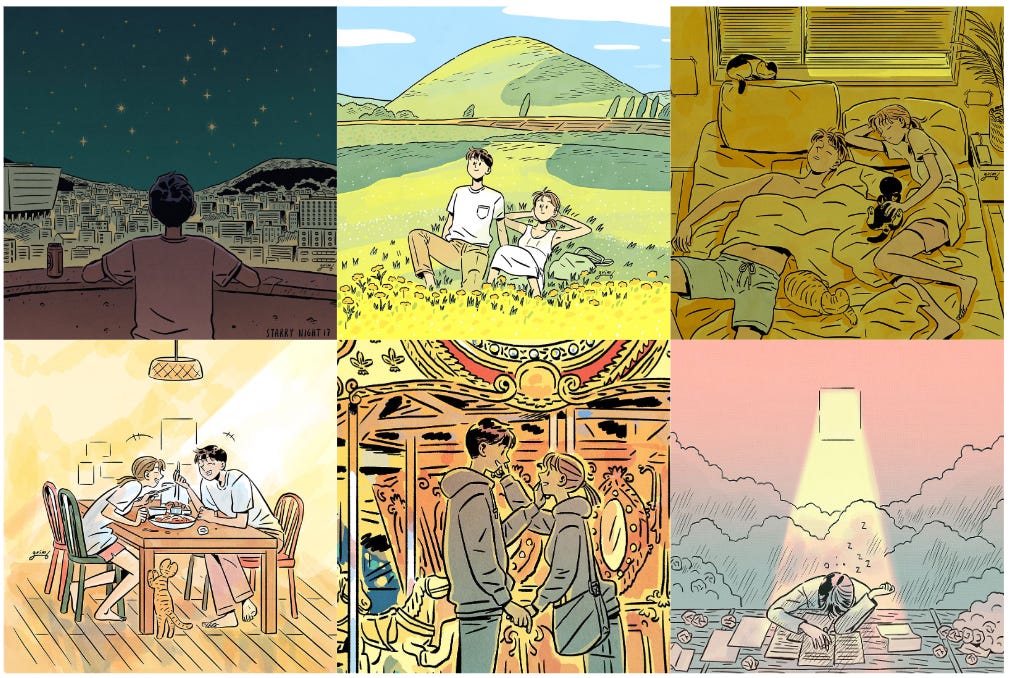
Actually, both were generated. Did you guess? Both came from a model trained on just fifteen of GrimB's works. More data might improve the result. I would normally expect at least twenty examples for style training, but even fifteen captured quite a lot, though imperfectly.
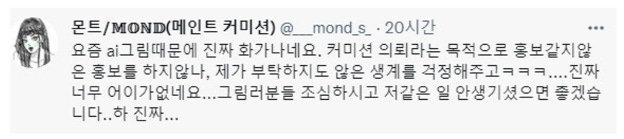
As copying an artist's style with AI becomes easier, problems follow. Some people publish generated pictures while pretending to be the artist and benefit from that deception.
Nightshade: poisoning an image
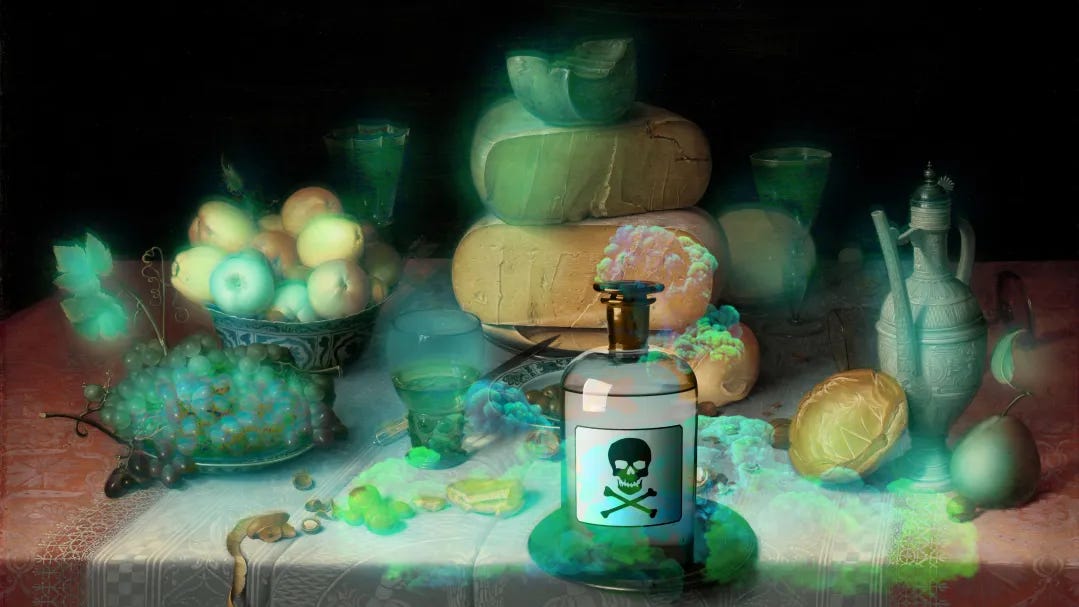
The Chicago team's program applies small changes that are difficult for people to see but disruptive to a model's training. These were the download links included in the original walkthrough:
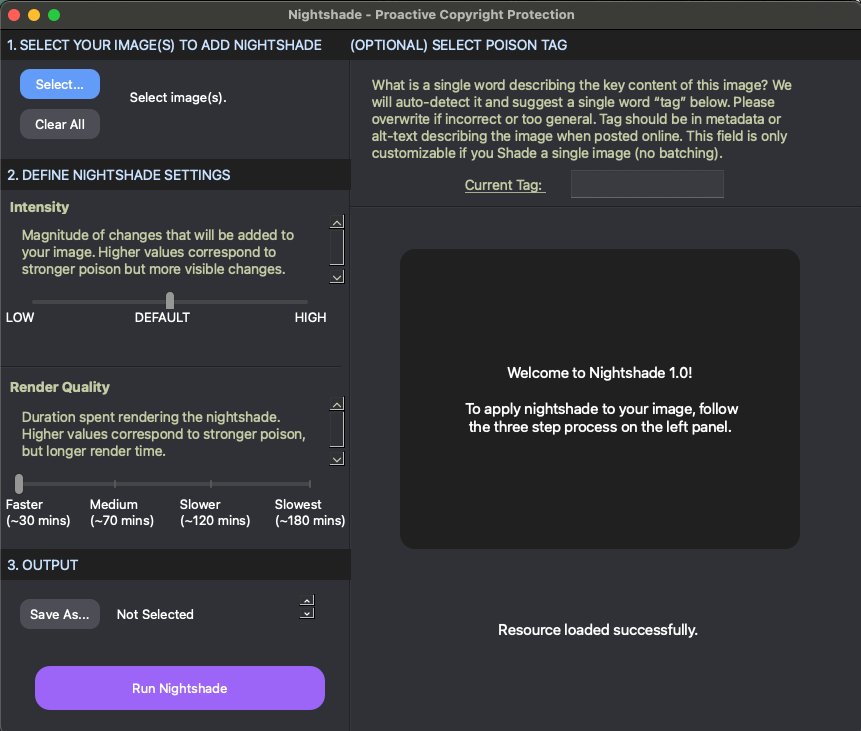
The application opens to this window.
1. Select images
Choose one or more images. More images take longer, so I suggest beginning with one while finding settings that suit the work.
2. Define the settings
This is the important part: deciding how much to modify the image.
Intensity controls the strength of the changes, with low, default, and high settings. Greater intensity introduces stronger changes and is intended to affect training more.
Render Quality controls processing time, with four settings from fast through very long. Longer processing adds more changes.
3. Output
Choose where to save the result.
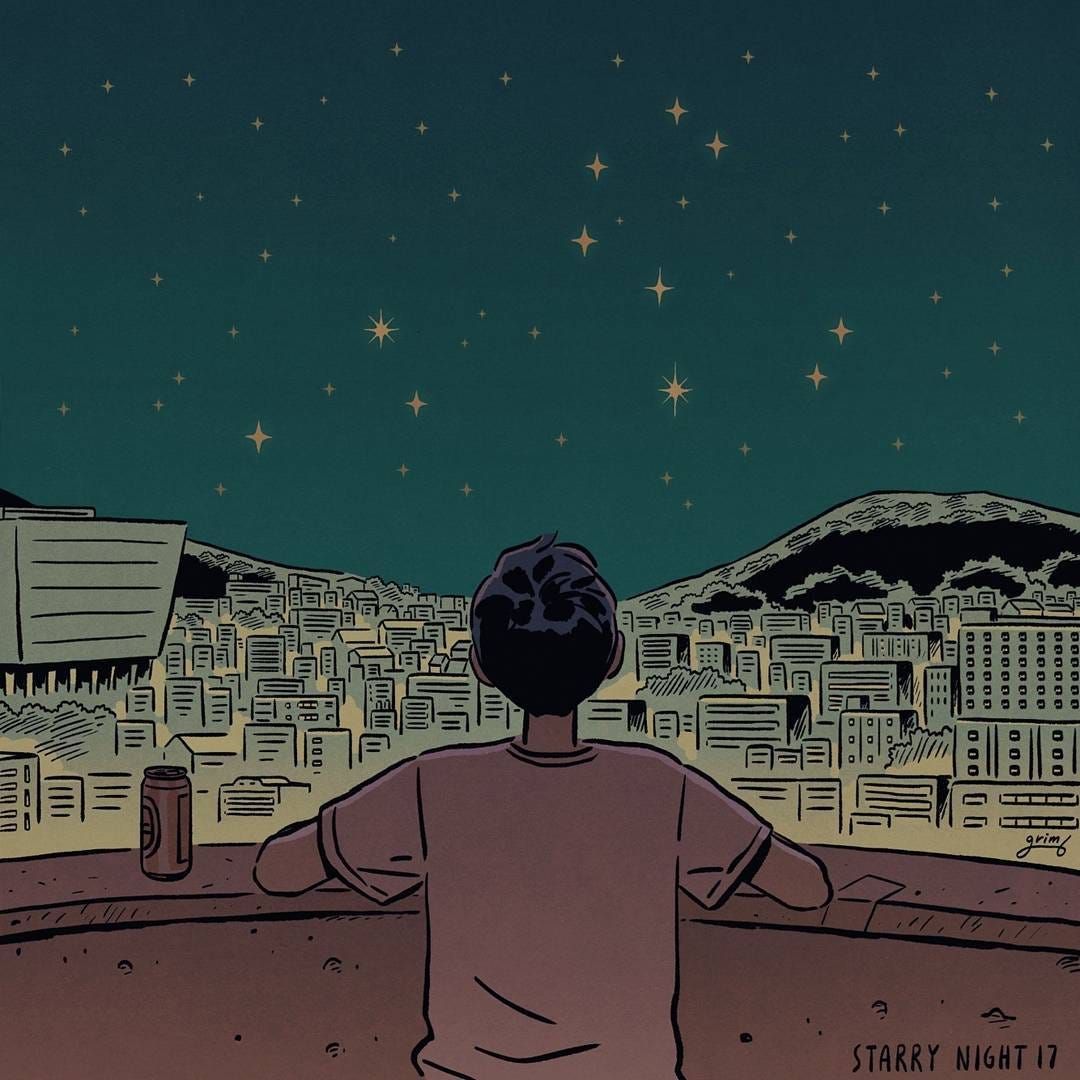
I tried the program on this GrimB picture. For this image, low and default intensity made little visible difference, but high intensity distorted it too much to use. Results depend on color and style, so compare settings on your own work. The video shows more detail.
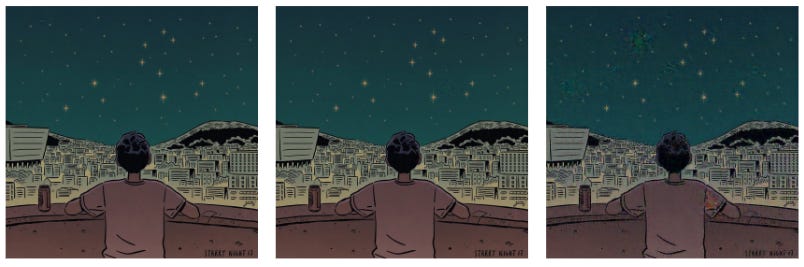
The high-intensity version is visibly distorted. Look at the man's right arm for the unusual noise.
Comparing trained models
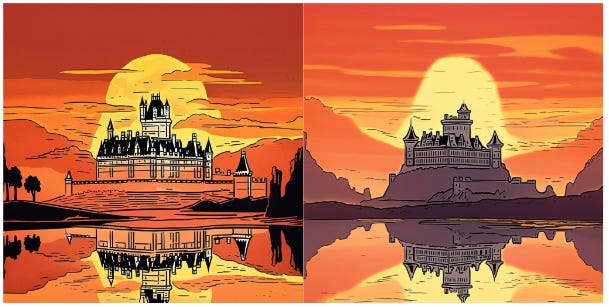
I trained two models to try the tool:
- One on fifteen original GrimB pictures.
- One on fifteen poisoned versions.
One of these outputs came from each model. Can you tell which model consumed the poisoned images? The answer is at the end so I don't spoil it.
My take
Even if the effect is modest, I think the existence of a tool like this matters.
First, I wondered whether it might give artists an additional legal argument: training on protected images could raise questions about bypassing a technical protective measure. That was a possibility I was considering, rather than an established legal outcome.
Second, and more importantly, this is a beginning. When I was doing AI research at KAIST in 2021, generative AI was still largely a research activity around me. We made small lab programs rather than the commercial services familiar now. Since then, it has moved from images toward video. I expect methods that resist unwanted style learning to develop quickly, too. It's worth watching how they evolve. The struggle is just beginning.
The answer

In the earlier side-by-side comparison, the left image came from the model trained on poisoned pictures. Its contrast is much stronger than GrimB's usual style. In this example, the model seemed not to have learned the style properly.
More original Korean videos are on AI for Me, and the newsletter shares further material.