If video is easier for you, the original companion video also covers details that didn't fit into the article.
Before we start
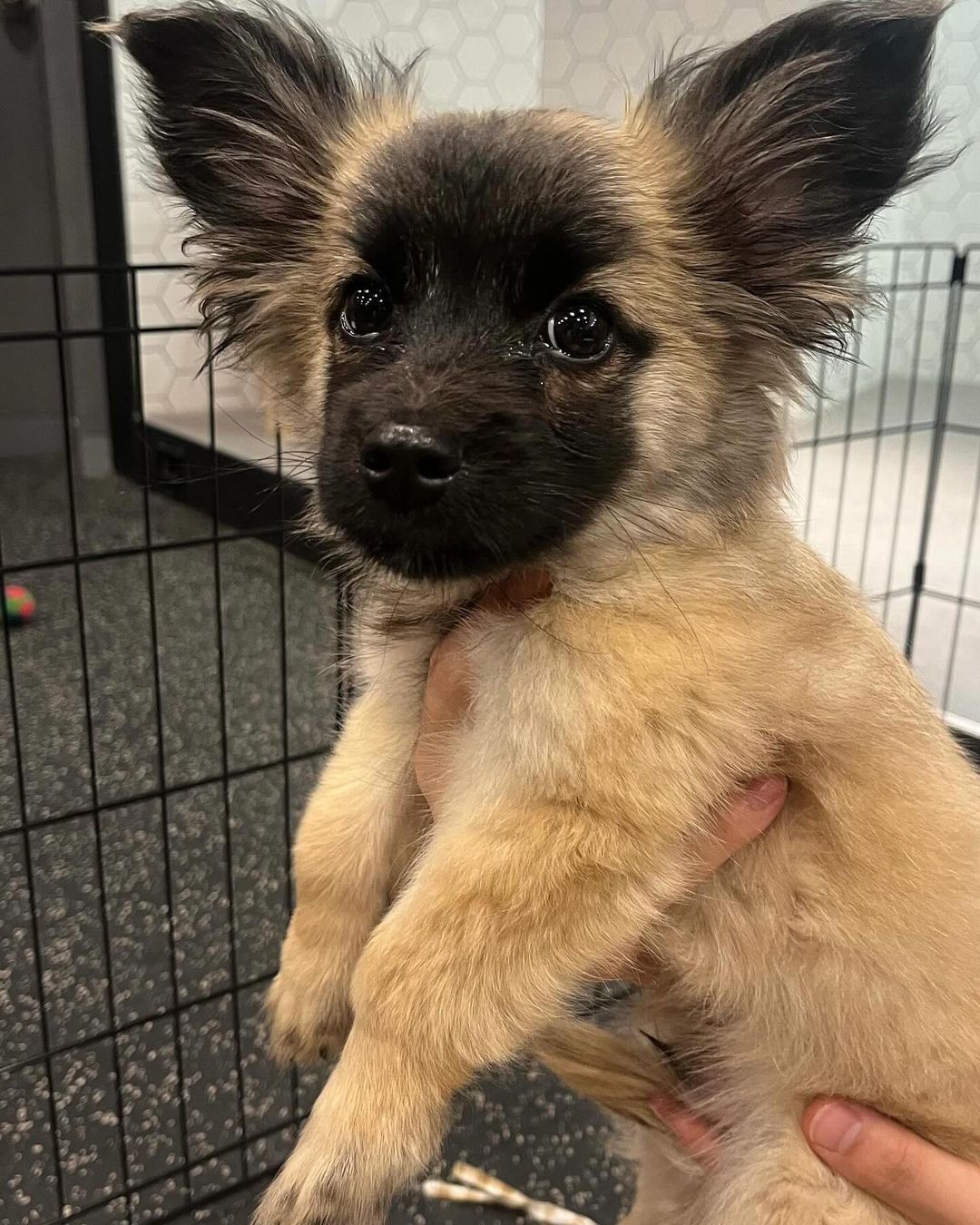
This dog looks as if he washed his face in charcoal. His name is Noeul, known online as “Ugly Noeul,” and he's become very popular.
As one of his doting fans, I made a portrait. What do you think?
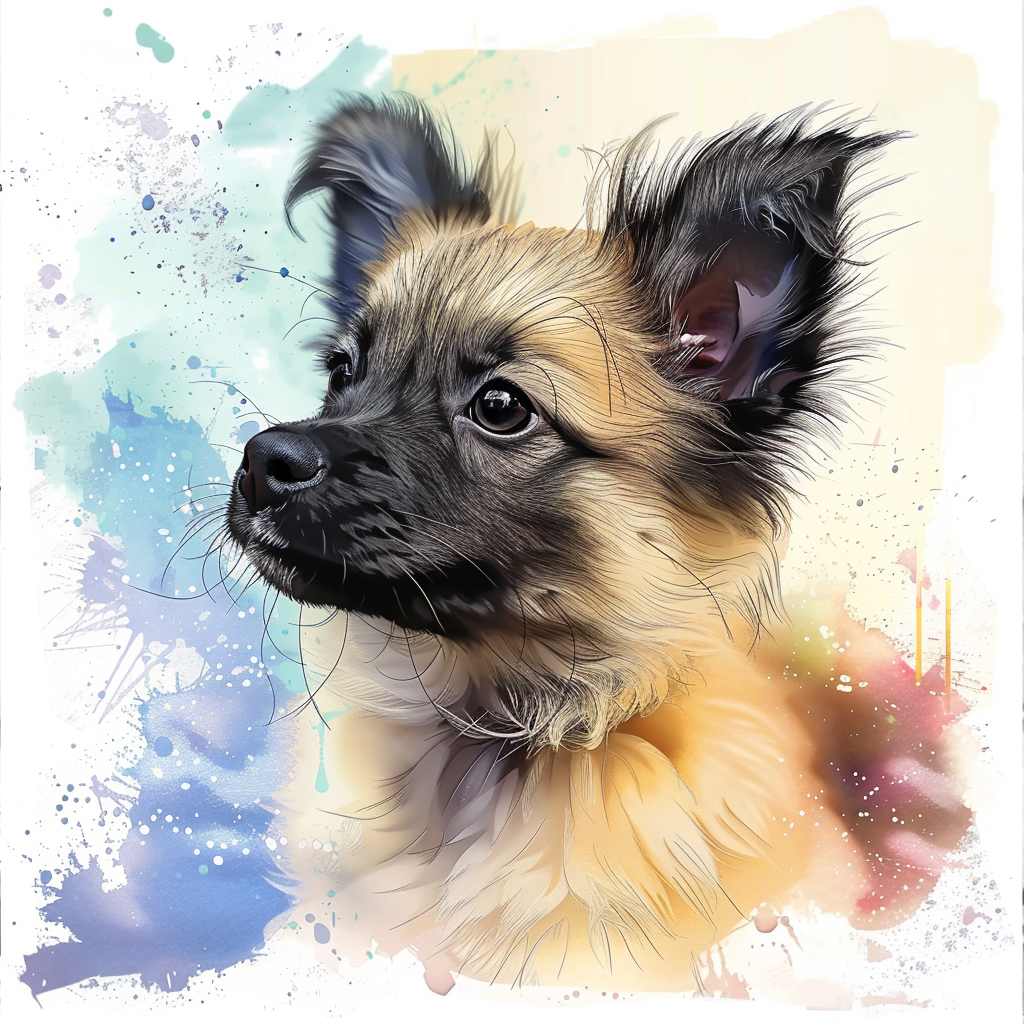
The black ears and muzzle capture him rather well. I made this with Midjourney in less than ten minutes. Here's how I used the March 2024 workflow to make AI pictures of a pet. It could be a little gift for yours, too.
What you need
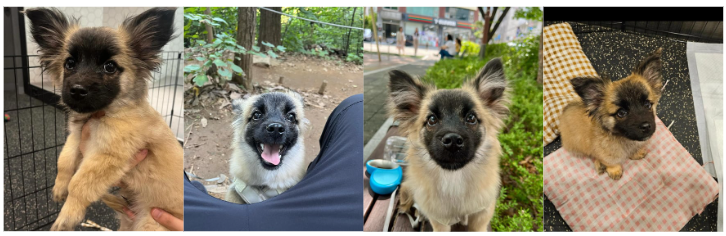
Prepare four real photographs of your pet, preferably clear, high-resolution images showing the face. Consistent appearance across the pictures helps. I prepared four of Noeul.
We'll use them in Midjourney through Discord. If you're new to it, the introductory video linked below explains that setup.
The prompt
Pencil sketch of a dog--crefURL1 URL2 URL3 URL4A prompt is the material AI uses to decide what picture to make. Just as the word elephant makes us imagine one, a prompt tells the model what we want. This example has a text prompt followed by the cref parameter.
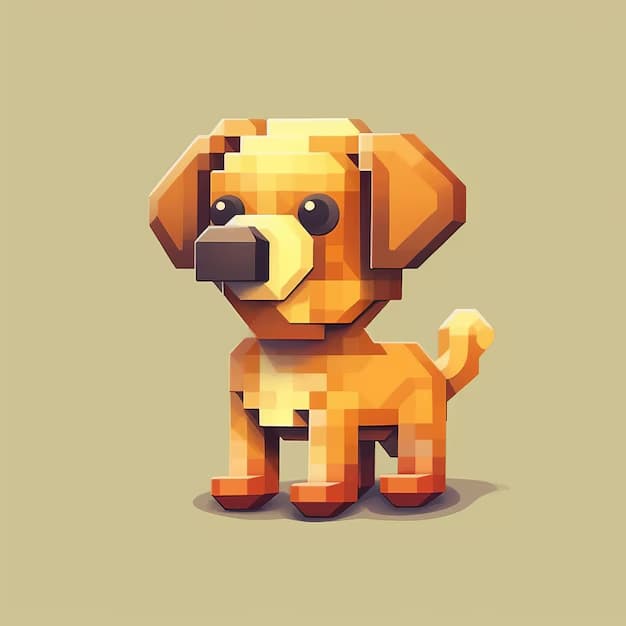
The text describes the style. “Pixel Art style dog,” for example, asks for a pixel-art dog.
--cref [photo 1 URL] [photo 2 URL]
[photo 3 URL] [photo 4 URL]
The photograph URLs go after cref, short for character reference. It helps preserve the character's appearance while generating a new image. Keeping Noeul recognizable is important here.
The structure is:
Description of the desired image --cref URL1 URL2 URL3 URL4
For example:
Pixel art style dog --cref https://s.mj.run/gdfqU2M2tzU https://s.mj.run/lKKrTQKcIuA https://s.mj.run/aHe3PxpZKV8 https://s.mj.run/gRL9-kfsDZM
Generate an image
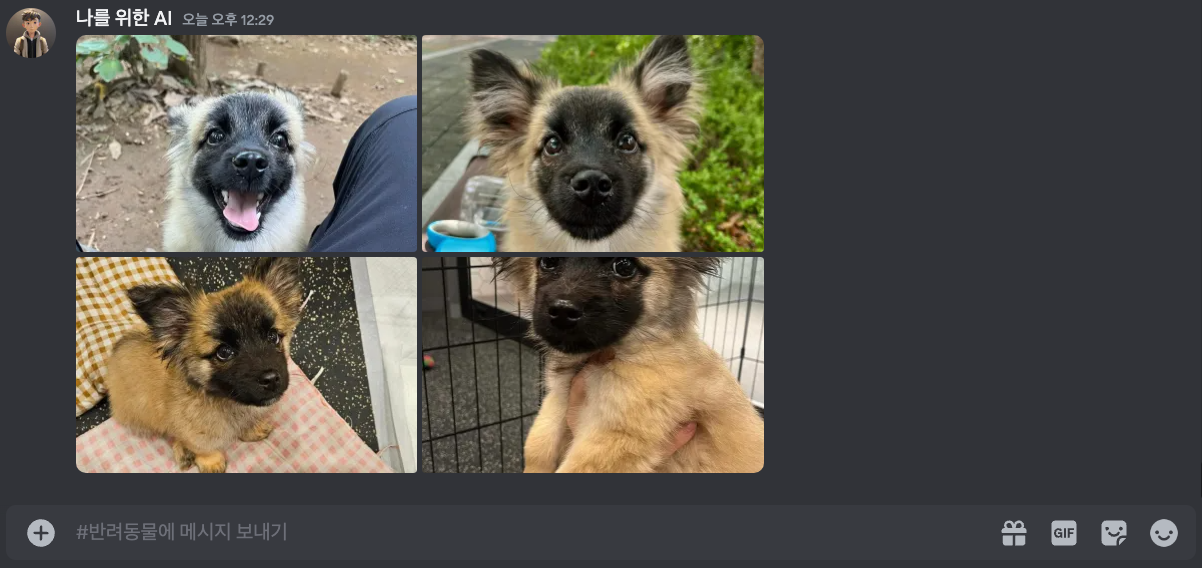
Upload the four photographs to that Discord channel. I've uploaded Noeul's here.

Type /imagine in the message box, select the bot's command, and fill in the prompt field.

For the first image, let's make a pencil sketch of Noeul. I entered “Pencil Sketch of Dog,” then added --cref and the uploaded image URLs.
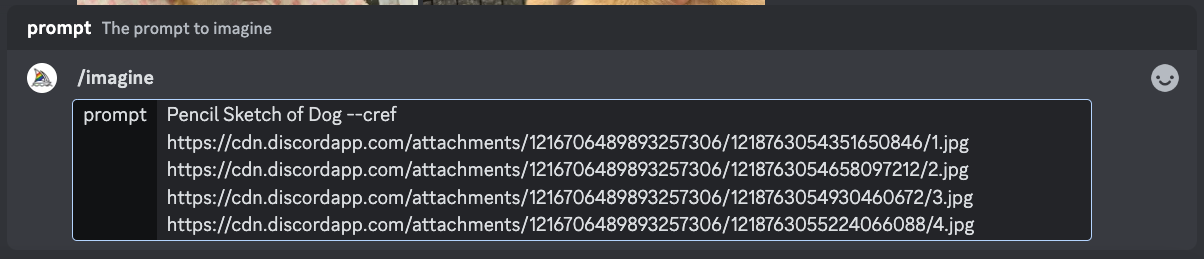
Dragging an image into the prompt field inserts its URL. Put all four in a row, with a space between each. Check those spaces carefully. The Korean video shows the operation in more detail.
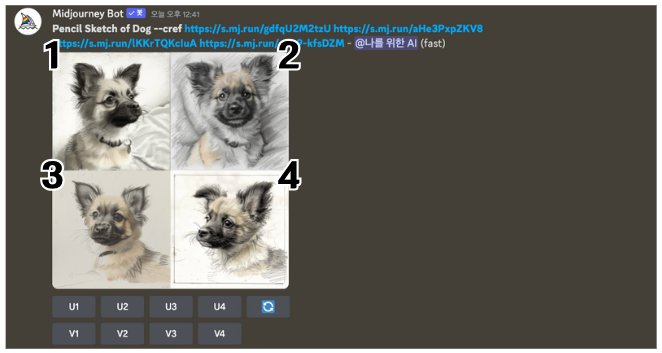
Send the message and four results appear after generation. They are numbered one through four. U1 means upscale image one; V1 asks for four variations of image one.
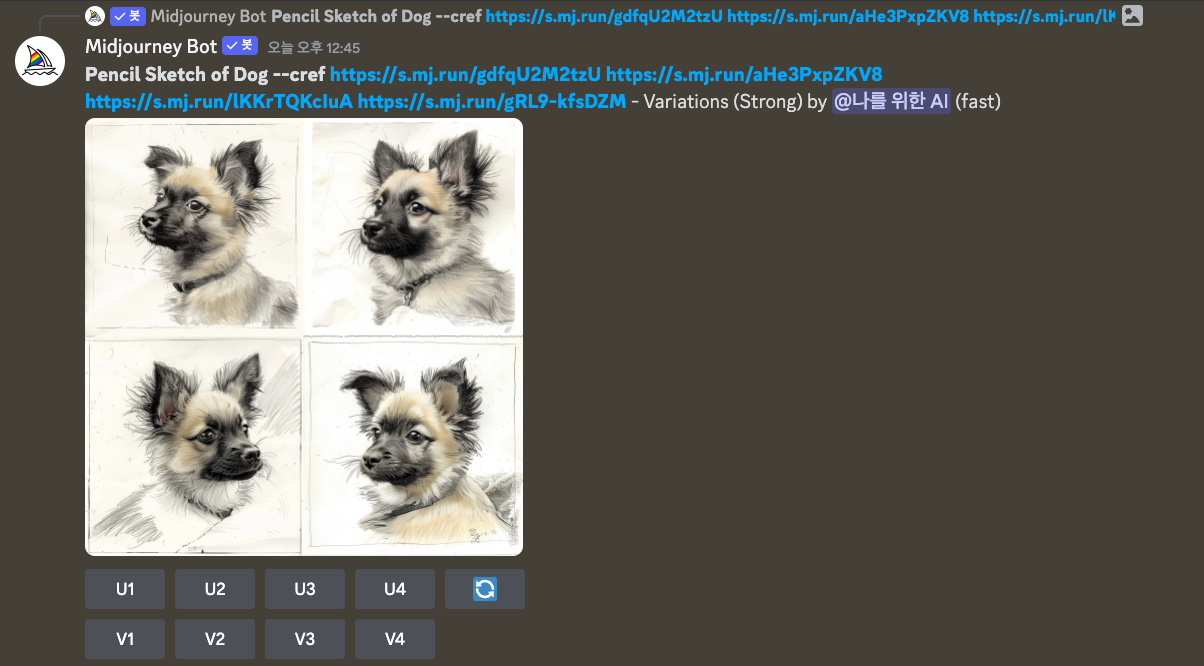
I clicked V4 to try variations on the fourth result.
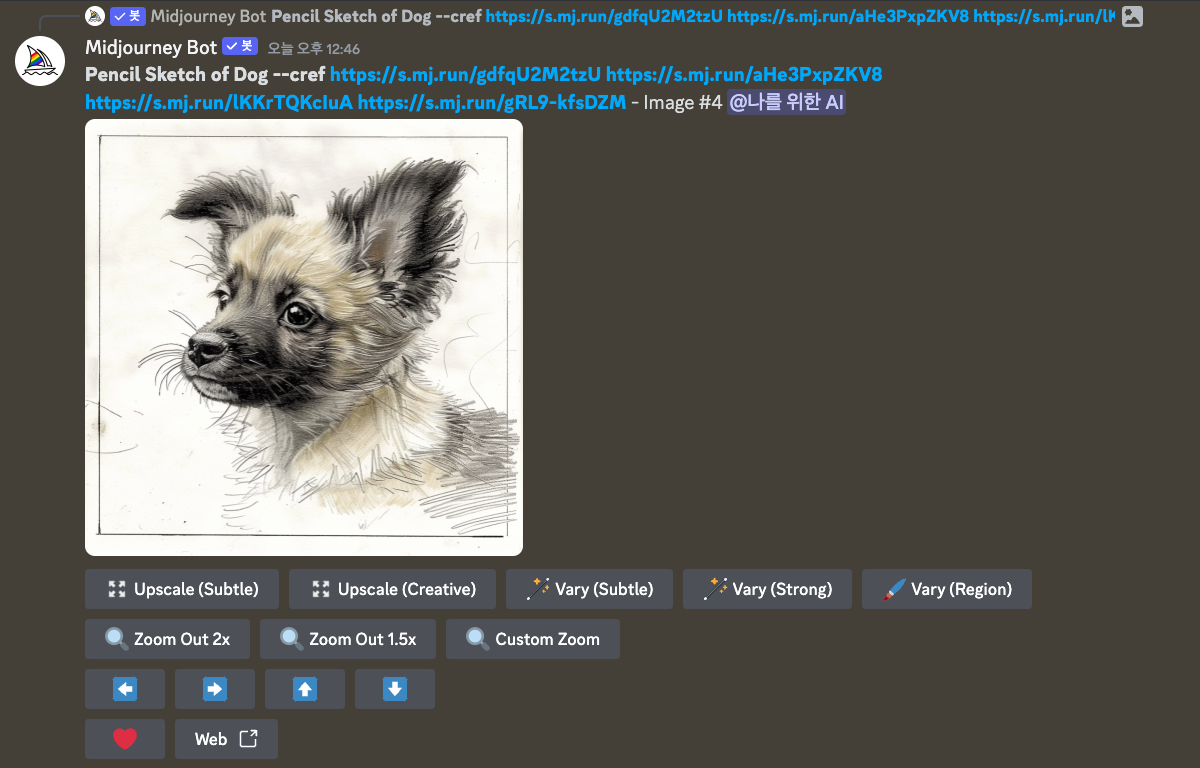
Then I chose U4 for a larger image. That's the first generation done. Now for more styles.

Notice that the long URLs became shorter after generation. You can copy and reuse those shorter references in subsequent prompts.
Different versions of Noeul
Change the text prompt while keeping the same reference-photo URLs after --cref. Try styles of your own. Making different pictures of a familiar pet is fun; if you find a good prompt, I'd love to hear it.
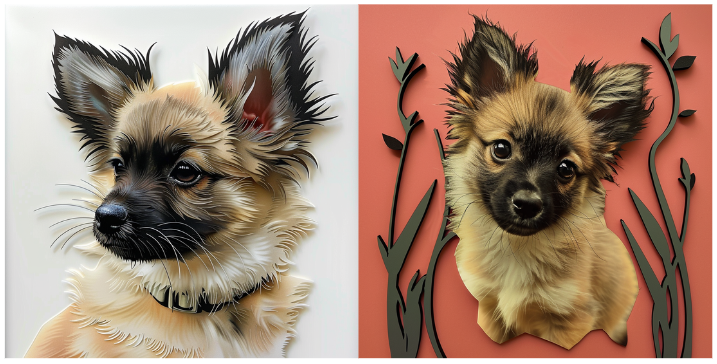
The first prompt is “Cut Paper of dog.” Cut-paper art builds pictures from layered pieces, rather like a Christmas card or a childhood paper project.
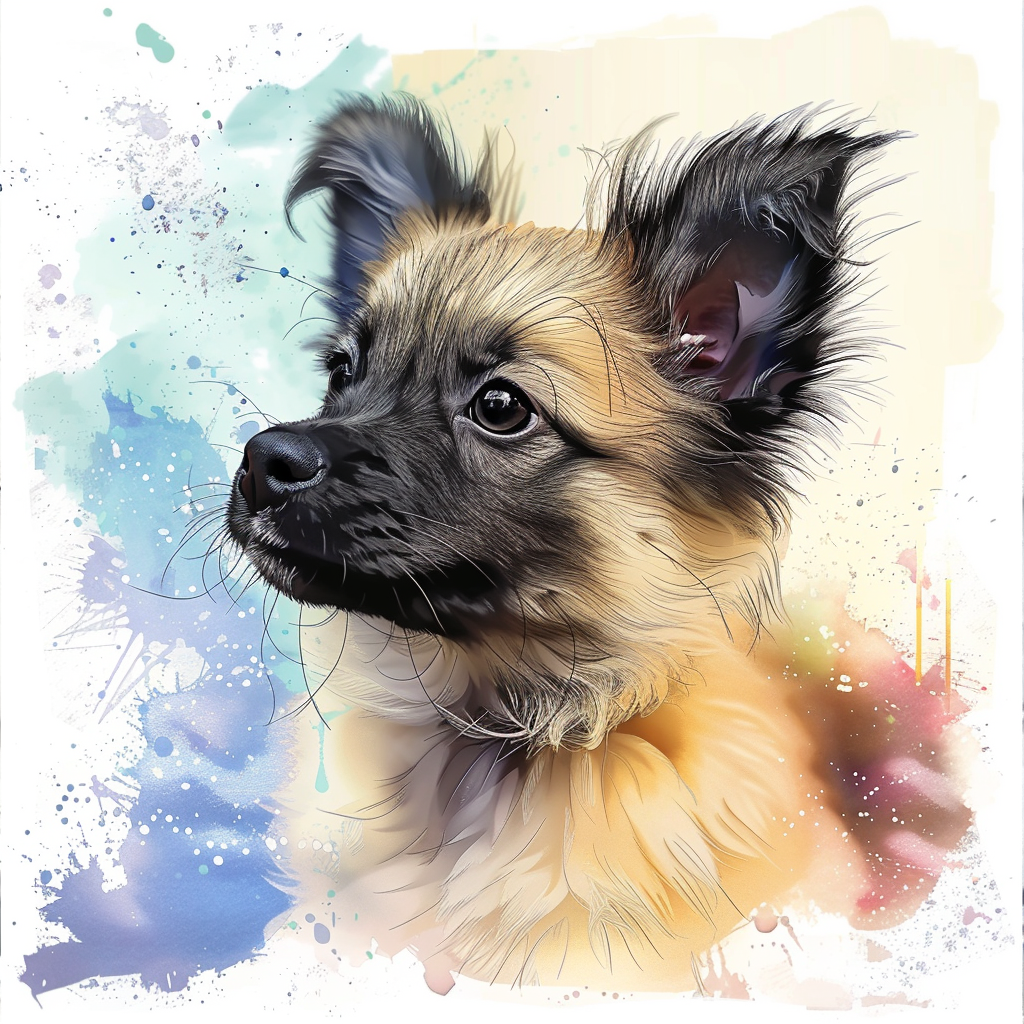
Of course I had to try watercolor. The colorful background is lovely. It's exciting to be able to make something like this myself.
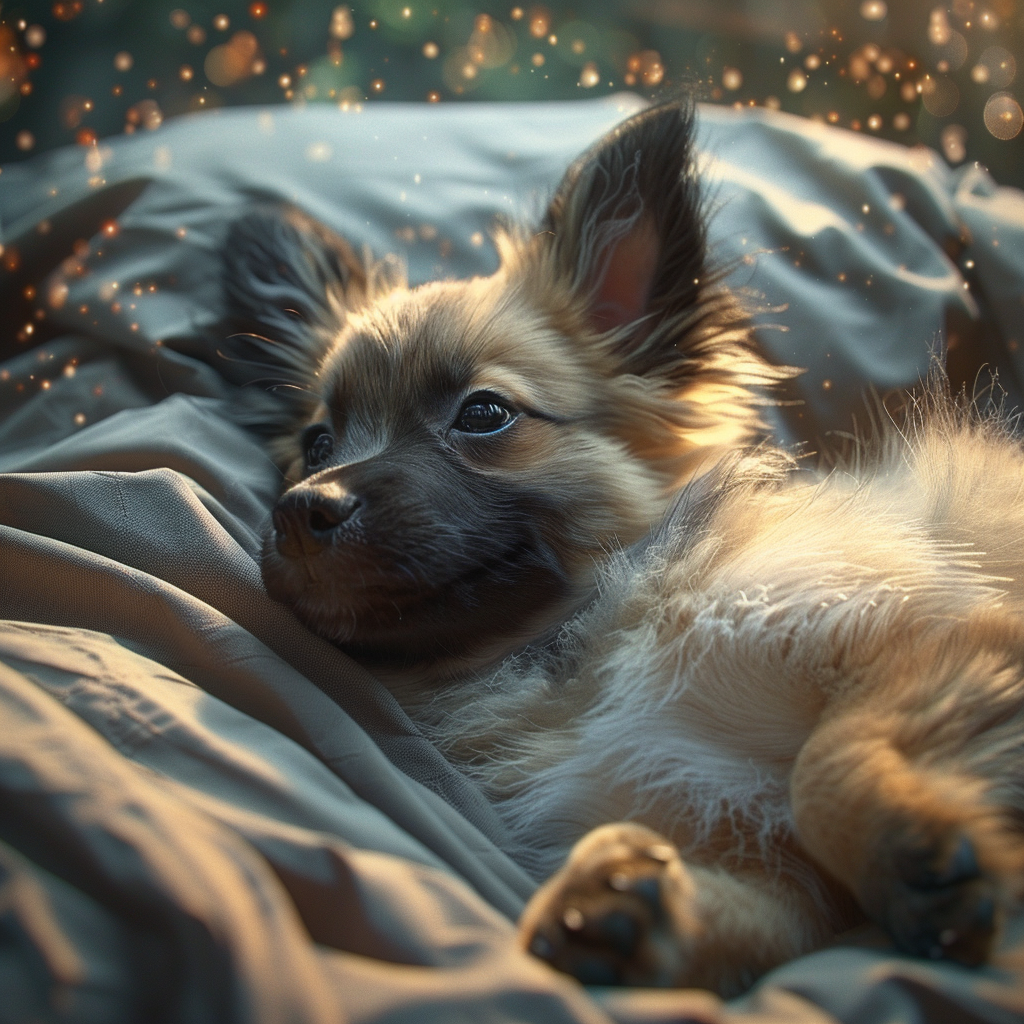
Finally, I made a picture of Noeul lying wistfully on a bed. The ember-like details look wonderful.
Original prompt, with its spelling preserved: floading dog in the space --s 1000.
Wrapping up
That's how I used Midjourney to make pet portraits. Beyond these examples, a text prompt can describe all sorts of things. Try your imagination and make something of your own for the pet you love.
The original post invited questions in the comments.
For the original Korean videos, see AI for Me on YouTube. The AI for Me newsletter also shares new material.